Most new Mac developers make the mistake of exporting their icon from Icon Composer and then using the resulting PNG as their app icon.
Problem
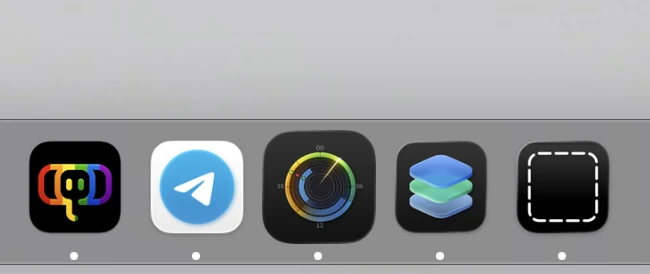
This results in app icons that look overly large in certain situations and on older macOS versions like Sequoia. For example:
Solution
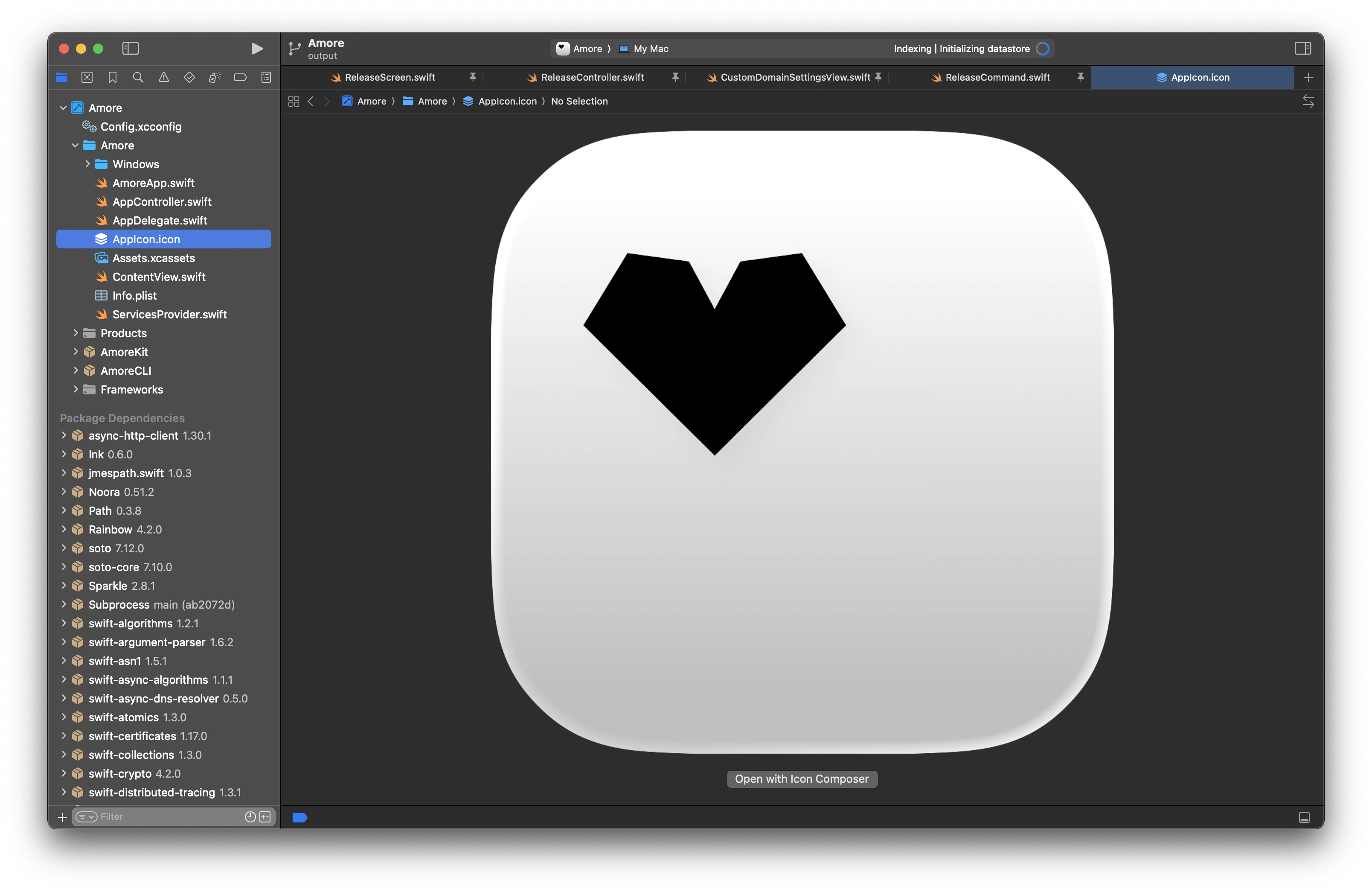
To fix this, we can just drag and drop our generated AppIcon.icon directly into Xcode
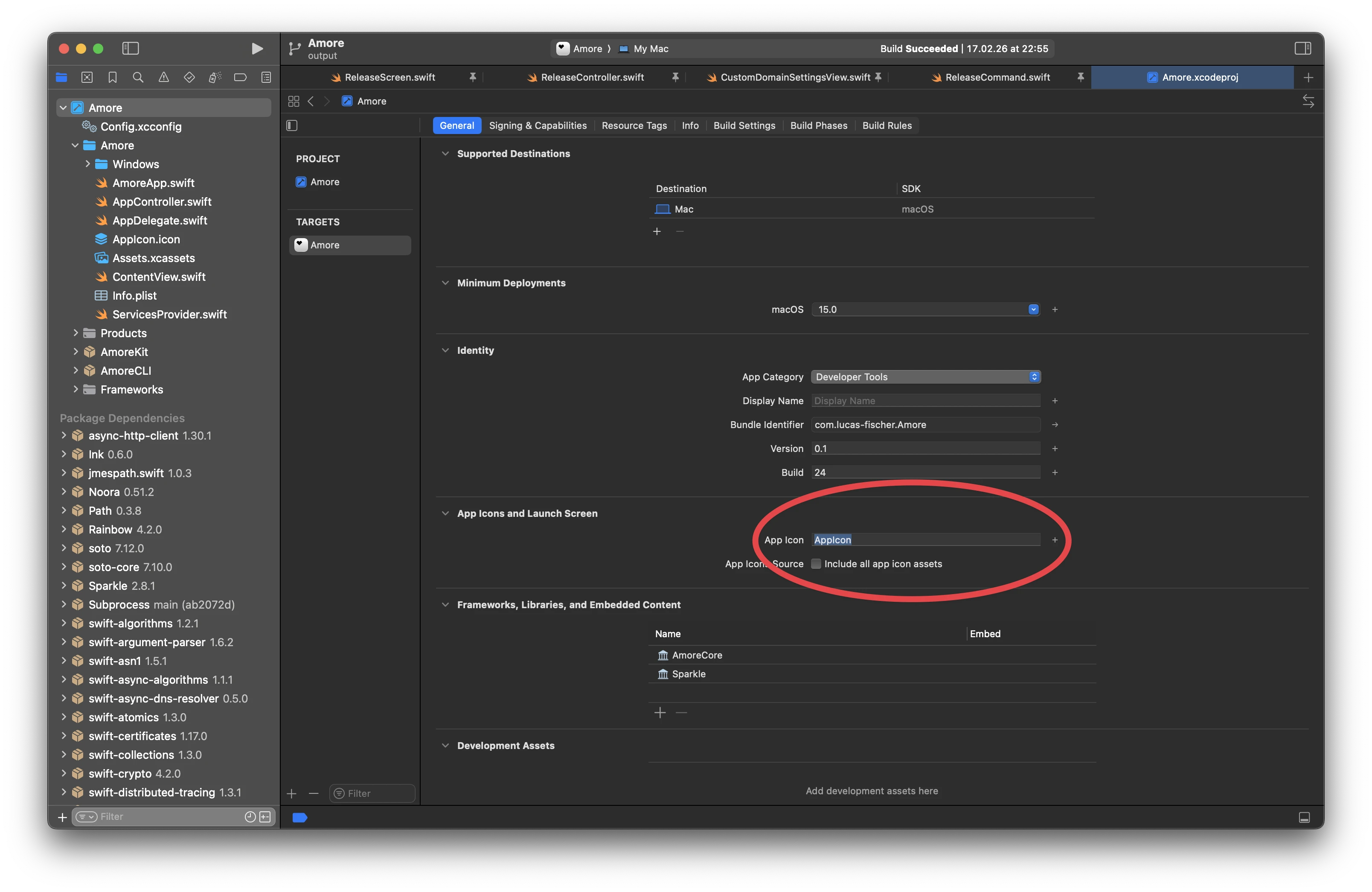
 We then just need to make sure that in our target under »General« we set the »App Icon« name to the file name of our generated app icon.
Icon Composer
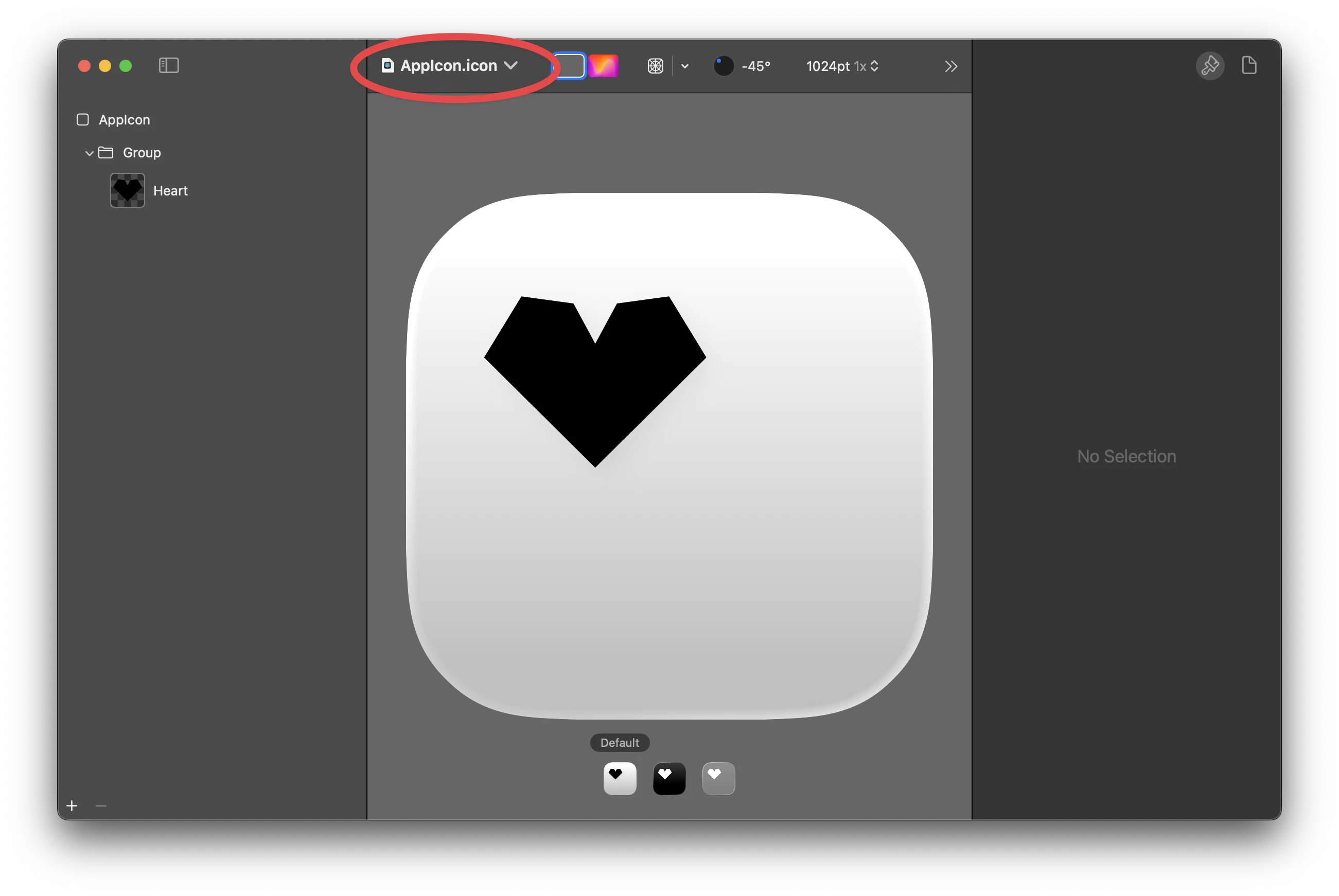
Inside Icon Composer, you can right-click on the file name to see where your .icon file is stored.
 Having the
 .icon file in Xcode has the advantage that you can open the Icon Composer right from Xcode and can commit it to your git repository.