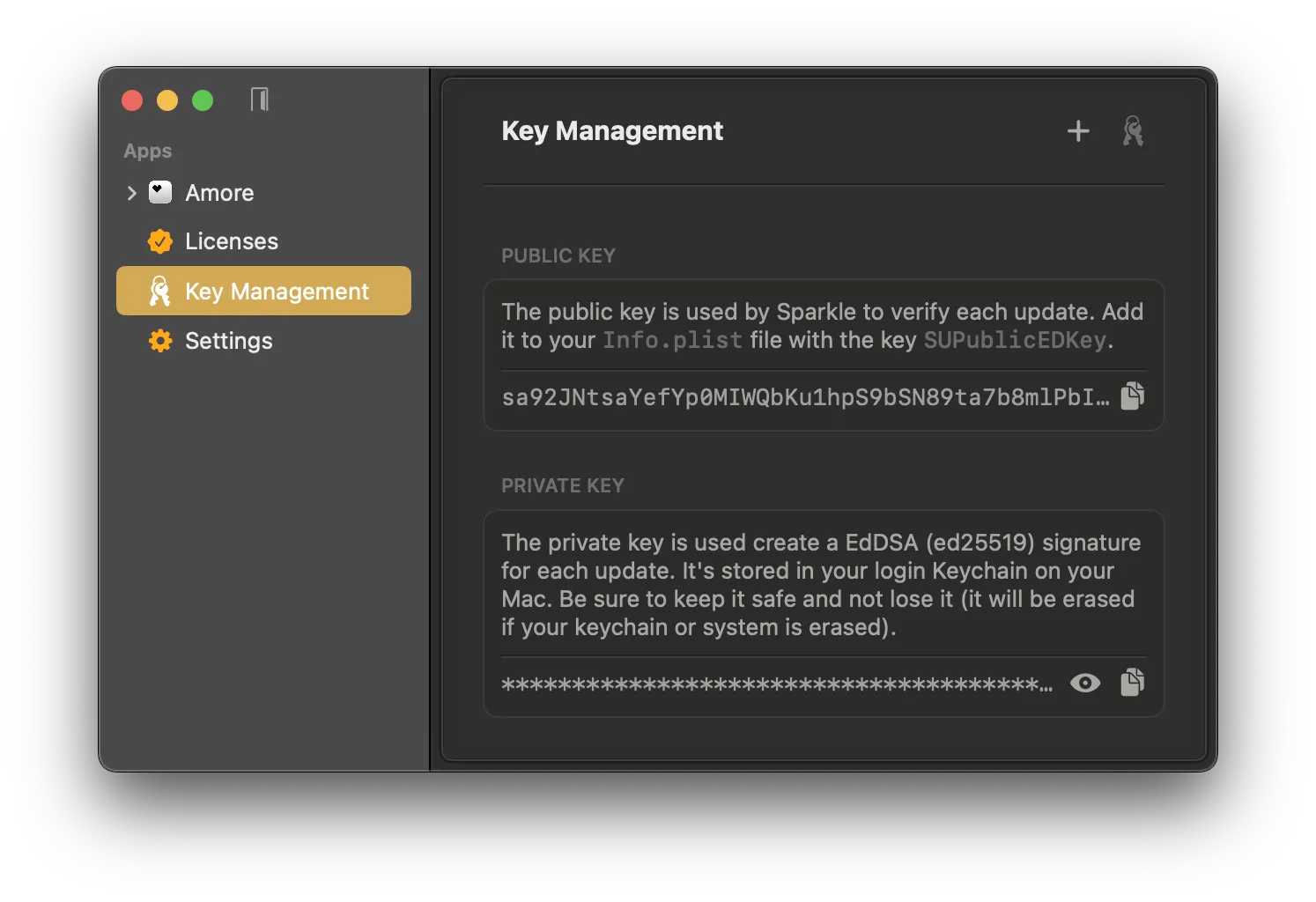
Amore uses the macOS keychain to securely store your EdDSA signing keys to sign your updates for use with Sparkle.
By default Amore stores and generates a separate private key for each app.
It is recommended to additionally store your private keys in a secure place, like password manager to not lose them.
You can learn more about how Amore signs each update for Sparkle here.
Use Existing Key Pairs
If you already setup Sparkle on your Mac before, Amore can automatically import your existing Sparkle private key and you don't have to do anything.
If you already have a key pair you can import the private key by clicking on the + button in the top right corner to import your existing key.
Generate a New Key Pair
If you are setting up your first app to use with Sparkle you won't have any key pair in your keychain yet. You can create a new one to use with your apps by clicking the Generate Keys button in Key Management.